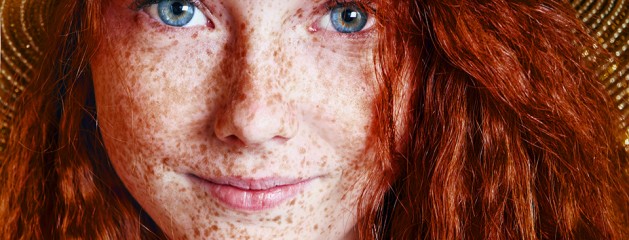
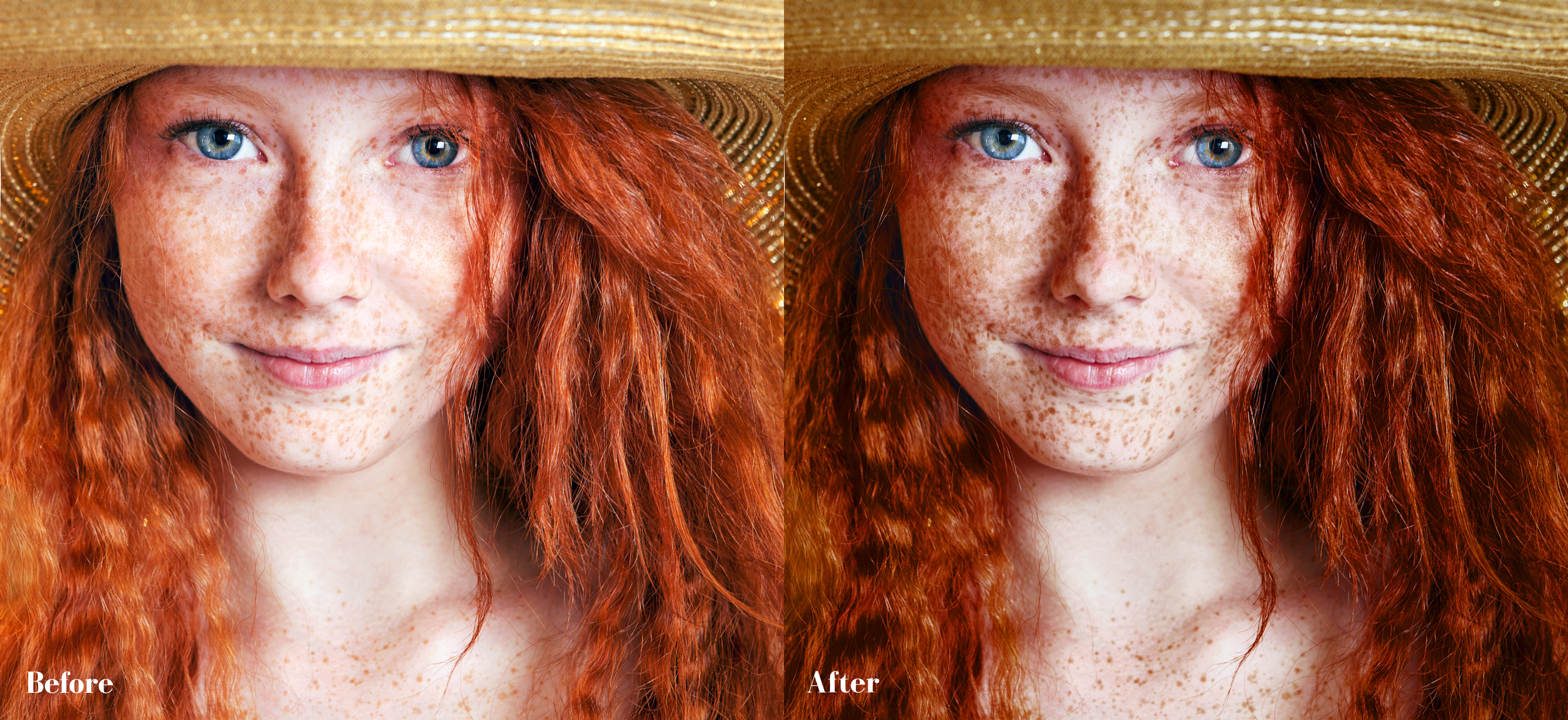
This Photoshop action will bring out freckles in portraits. If you want to adjust the look, go to “Edit” then “Step Backward”. You can then adjust the sliders in the “Channel Mixer” layer, keeping in mind that more blue and less red while in the red and green channel will make the look more dramatic. Conversely, more red and less blue will have the opposite effect.
Also, I finally accept it. I’m just not going to be able to get a post up every day, but I’m going to keep trying. Lately, until today, I haven’t had a creative bone in my body! No photography. No art. Nothing. It’s just my mid-winter blues getting the better of me.
As an old and now deceased friend once said “Artists. Temperamental at best.”
Download Dramatic Freckles Photoshop Action
Would you like to download all of the daily downloads at once?
For a $5 minimum donation you can instantly download all 111 Lightroom presets and 57 Photoshop actions.
Instead of downloading and unzipping 168 files one by one, you can download 1 file.
Updated daily.
You can always continue to download individual presets and actions at no charge.
Enter the email address that you would like your download sent to and a minimum of $5 USD. You will receive your download once your PayPal payment is complete.