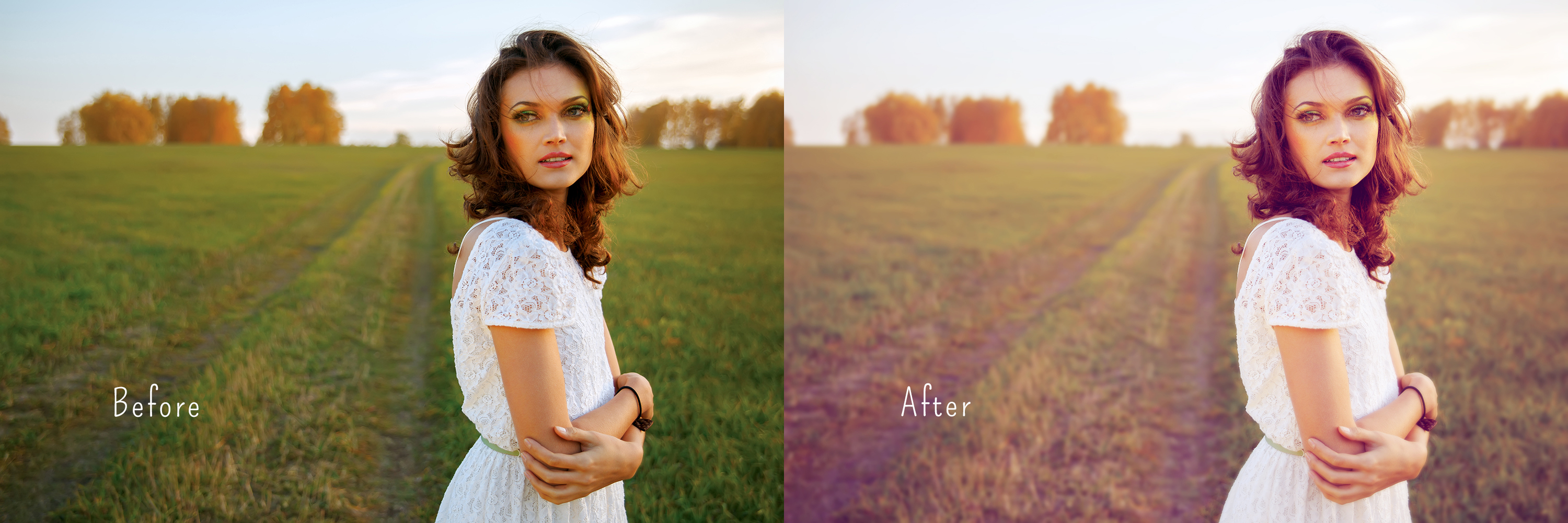
This Photoshop action will create a soft, dreamy look, with a light lavender tone, for your photos.
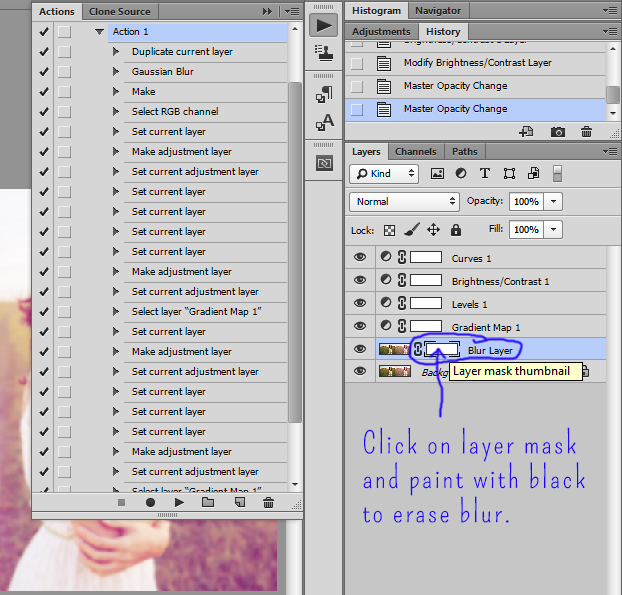
Once the action is applied, the entire photo will be blurry. Paint with black, on the blur layer mask, in the areas that you would like to be in focus. In the example photo I painted the blur away on the model only. Make sure to actually click on the layer mask icon, and not just on the layer. Here is a screenshot showing which layer mask to use.
Would you like to download all of the daily downloads at once?
For a $5 minimum donation you can instantly download all 113 Lightroom presets and 59 Photoshop actions.
Instead of downloading and unzipping 172 files one by one, you can download 1 file.
Updated daily.
You can always continue to download individual presets and actions at no charge from the Free Daily Downloads blog.
Enter the email address that you would like your download sent to and a minimum of $5 USD. You will receive your download once your PayPal payment is complete.


 Free Download – Deeply Matte – Photoshop Actions
  Free Download – Gorgeous Redheads – Photoshop Actions
  Free Download – Monochrome Landscapes – Lightroom Presets
 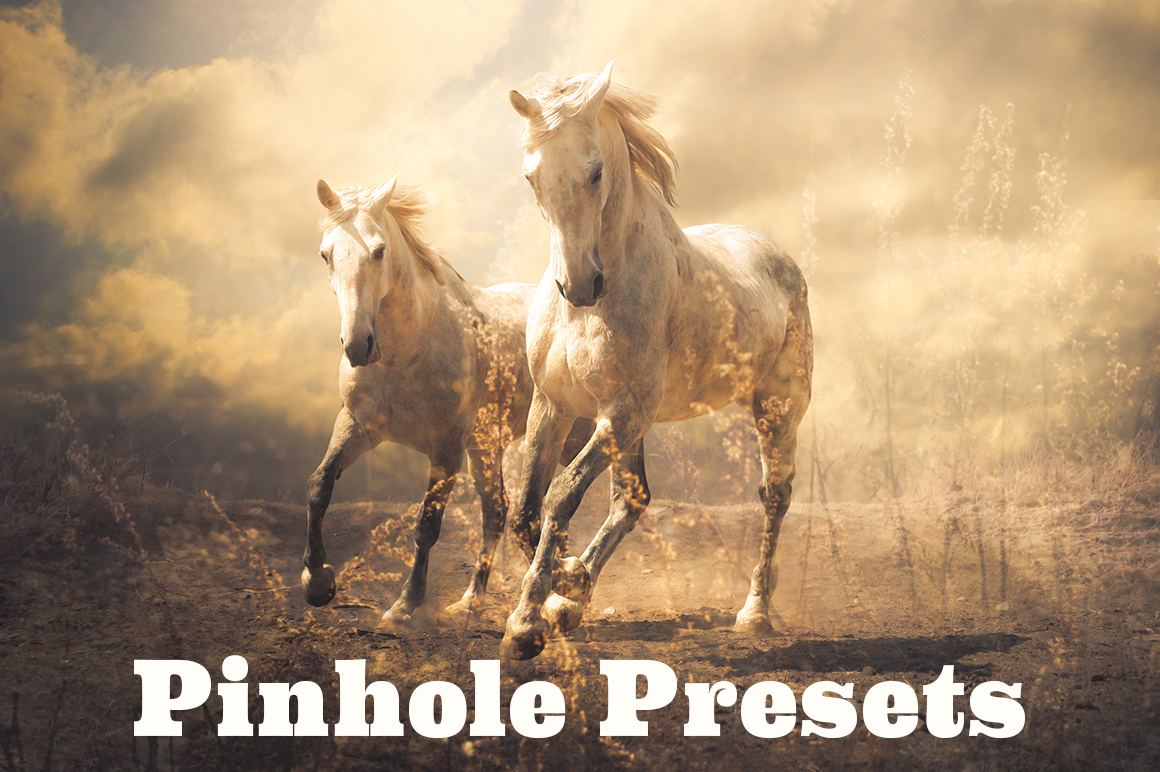 Free Download – Pinhole Photography – Lightroom Presets
Love them!!!!!!!!!
I’m glad you love them! Thanks for commenting.